
No products in the cart.
new
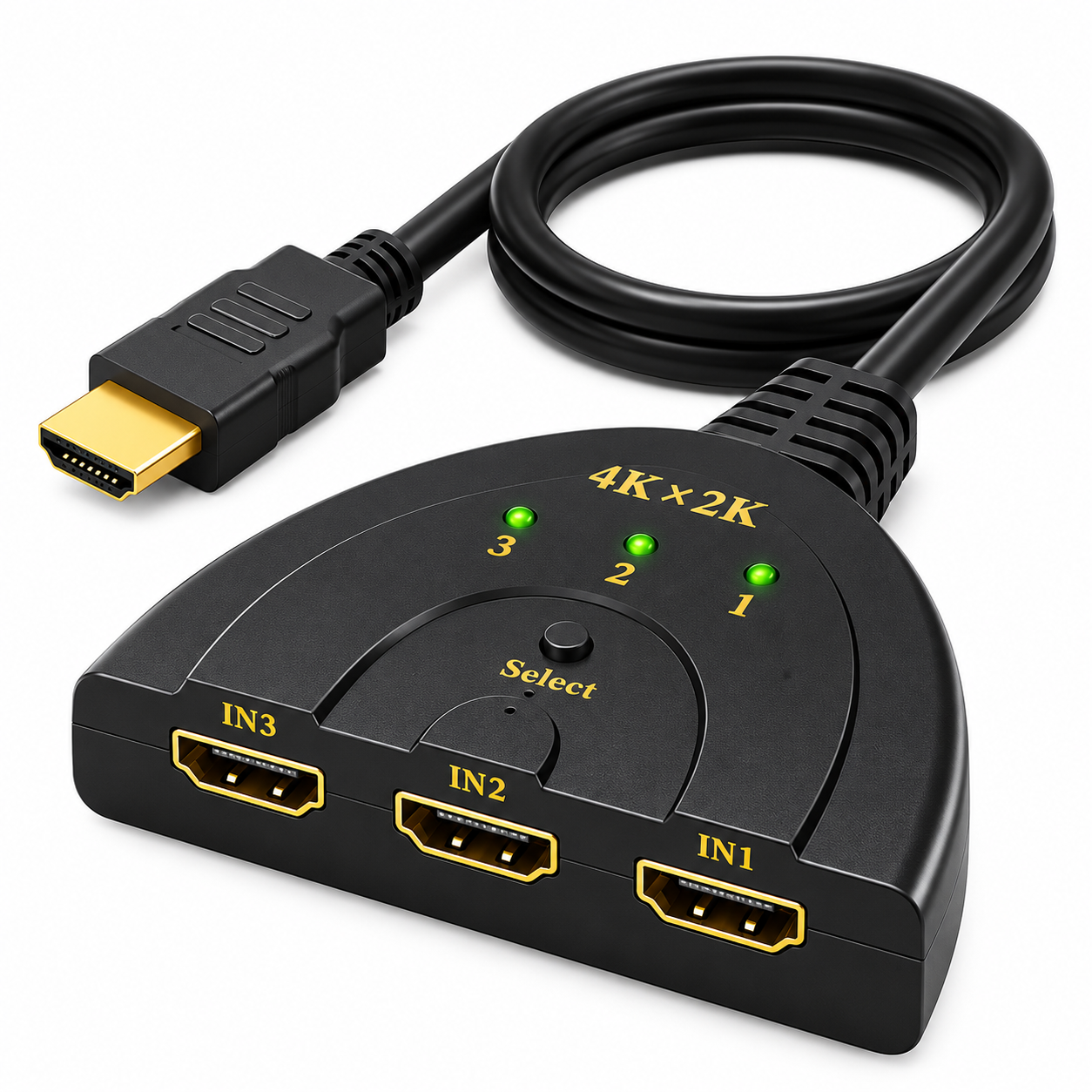
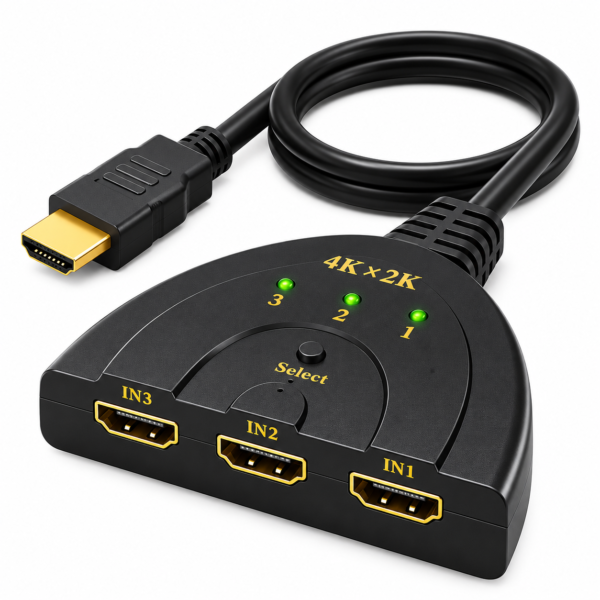



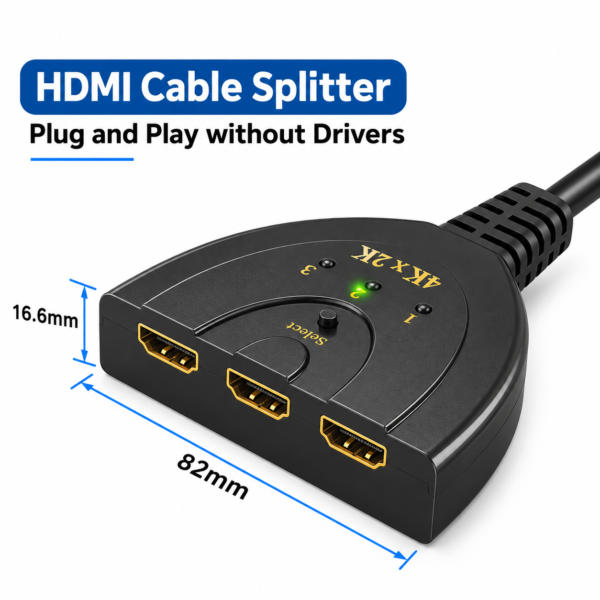

3-Port HDMI Switch Selector – High-Performance HDMI Input Switch for Multiple Devices and Displays
$ 22.99
Description
Make switching between HDMI devices easier with the 3-Port HDMI Switch Selector.
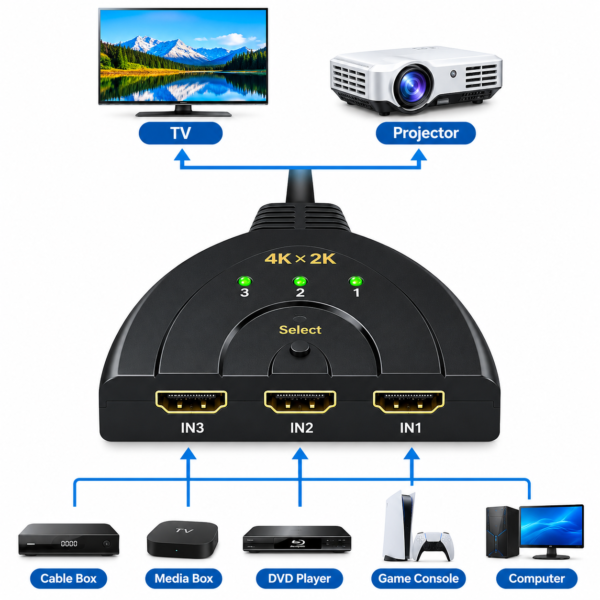
This device allows you to connect multiple HDMI source devices to a single HDMI display, helping reduce the need to repeatedly unplug and reconnect cables.
Connect compatible devices such as gaming consoles, media players, streaming devices, or other HDMI-equipped equipment to the switch.
It provides a convenient way to manage multiple HDMI connections when using one television, monitor, or projector.
Whether you use it for home entertainment, gaming, or everyday display setups, this HDMI switch helps keep your connections organised and makes changing between connected sources more convenient.
Key Features
- 3 HDMI Input Ports: Connect up to three HDMI source devices to the switch.
- Convenient Source Selection: Switch between connected HDMI devices using the selector.
- Single Display Connection: Connect the switch to one HDMI-equipped television, monitor, or projector.
- Reduced Cable Reconnection: Keep multiple devices connected without repeatedly changing HDMI cables.
- Versatile Applications: Suitable for compatible gaming consoles, media players, streaming devices, and other HDMI equipment.
- Space-Saving Setup: Helps organise multiple HDMI connections around your entertainment or workspace.
Product Specifications
- Product Type: HDMI Switch Selector
- Number of HDMI Inputs: 3
- HDMI Output: 1
- Connection Type: HDMI
- Function: Switches between multiple HDMI input sources
- Application: TV, monitor, projector, gaming, and multimedia setups
Ideal For
- Home entertainment systems
- Gaming console connections
- Streaming and media player setups
- Office presentations
- Monitors and projectors with HDMI input


Reviews
There are no reviews yet.